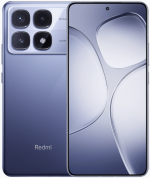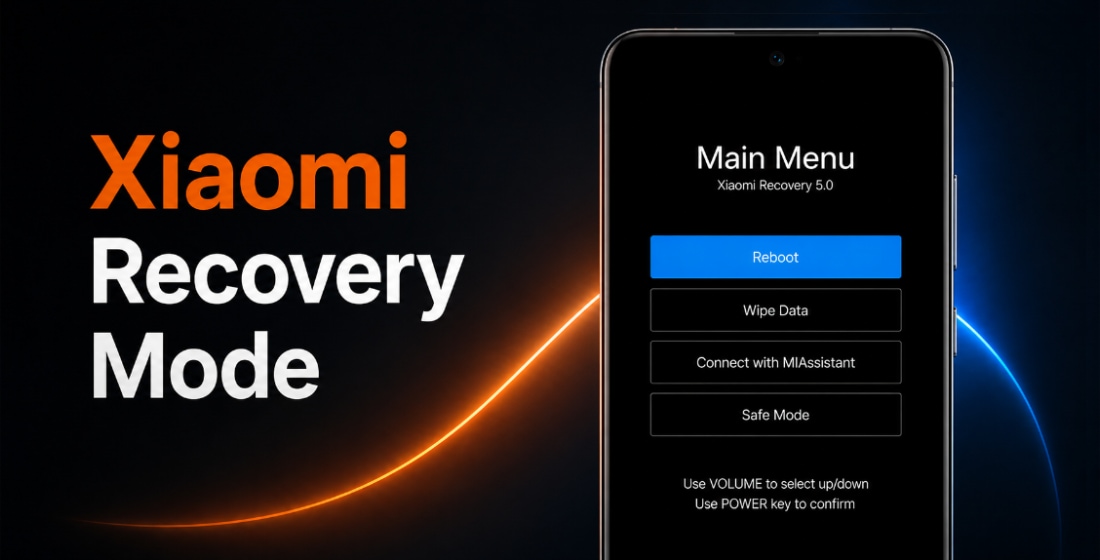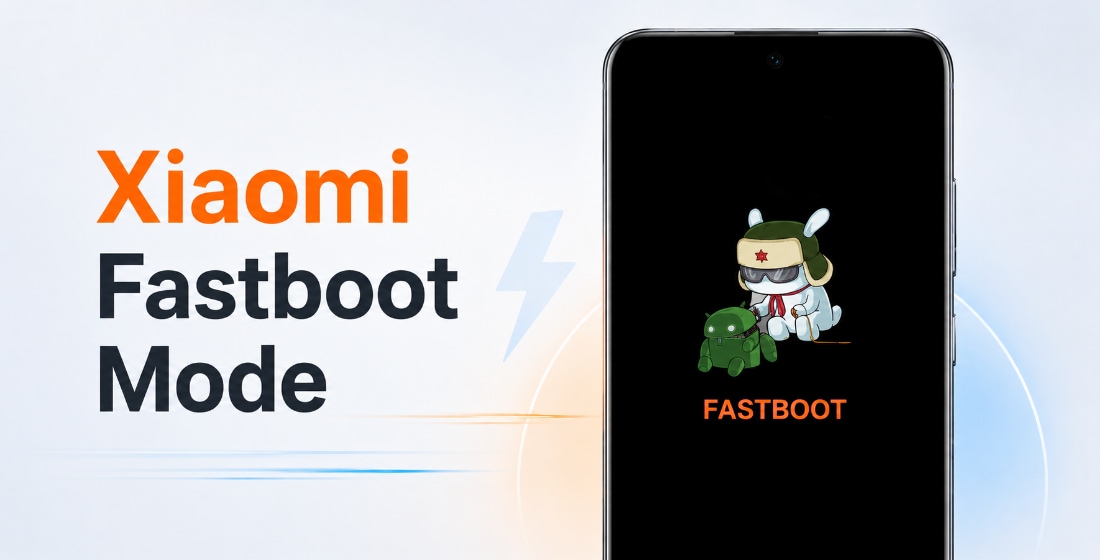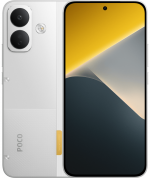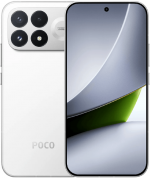





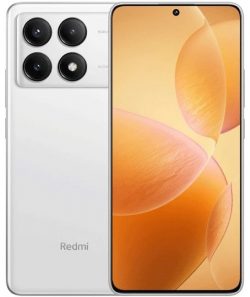
Официальные прошивки для REDMI K70E (кодовое имя duchamp) включают стабильные версии HyperOS. Их можно скачать в виде Fastboot ROM, Recovery ROM и обновлений OTA.
Модели телефона: 2311DRK48C (Китай). Все файлы оригинальные и стоковые, загружаются бесплатно с сайта Xiaomi - miui.com. Мы публикуем только прямые ссылки на обновления.
| Модель | REDMI K70E |
|---|---|
| Дата выхода | ноябрь 2023 |
| Поддержка | Активна |
| Актуальная ОС | HyperOS 3, Android 16 |
- ноя 2023выходHyperOS 1 Android 14
- ноя 2024обновлён доHyperOS 2 Android 15
- ноя 2025обновлён доHyperOS 3 Android 16
- Китай 67 › HyperOS 3.0.303.0.WNLCNXM
Китай HyperOS 3.0.303.0.WNLCNXM
Последняя китайская версия прошивки HyperOS для REDMI K70E от Xiaomi:
Recovery ROM
- Версия
- 3.0.303.0.WNLCNXM
- ОС
- HyperOS 3
- Андроид
- Android 16
- Дата выхода
- 15 апреля 2026
- Размер файла
- 7,16 ГБ
- Ссылка
- Скачать (.zip)
- Что нового
- Смотреть
Comprehensive system app optimization
- Xiaomi HyperIsland:
- New: Support for Xiaomi HyperIsland in File Manager, showing real time progress for online files
- New: Support for Xiaomi HyperIsland with transit and key cards, including swiping from the Lock screen
- Xiaomi Hyper XiaoAi:
- New: Support for continuous conversations with Xiaomi Hyper XiaoAi while holding the Power button
- Camera:
- Optimization: Added a preset management page and support for bulk import/export of preset parameters for Pro mode
- Recorder:
- New: Support for generating a summary in the Recorder app, then asking Xiaomi Hyper XiaoAi questions about the recording
- Fix: An occasional recording error during long recordings
- Fix: Duplicate recording entries in some cases
- Calendar:
- Optimization: Holiday display in Calendar, with more traditional festivals and historical commemorative days
- Fix: An issue where dates displayed incorrectly in some cases
- Family Guard:
- New: The option to view and edit Family Guard settings before you turn on Child mode
- Optimization: Saving feature settings when turning off On-device guardianship
- Optimization: Screen time stats in Child mode
- Other improvements:
- New: Clarity mode brings together text and icon size, ringtone volume, scam call blocking, and other phone settings
- New: The option to tap the status bar to return to the top of the page in some apps and scenarios
- Optimization: Mi Mover now supports transferring more data, including some settings and user data from system apps
- Optimization: Gallery search animations for smoother transitions
- Fix: Cloud drive file thumbnails in File Manager displayed incorrectly in some cases
- Fix: An issue where macOS compressed files didn`t display properly in File Manager in some cases
- Fix: An issue where WeChat couldn`t access screenshots in some cases
- Fix: Stuttering when loading multilingual screenshot thumbnails in some cases
- Fix: An input field display issue when renaming a custom card in Smart cards in Dark mode
- Fix: Overlapping buttons in Smart cards in some cases
- Optimization: The timeliness and accuracy of weather location updates when your location changes
- New: One-tap upload in Gallery to submit your work to the Xiaomi Imagery Global Awards Curated with Leica
- To use this feature, make sure Security is version 12.3.1-260225.0.1 or later, and Mi Store is version 5.49.0 or later
Interconnectivity
- New: Tap the NFC area on your Xiaomi phone or iPhone to quickly share recordings and notes
- New: Xiaomi phones now support AirPods, including fast pair pop-ups, battery status, Spatial Audio, noise cancellation switching, and Find My
- New: After SMS verification codes received on iPhone are synced to your Xiaomi phone, they can be detected and copied with one tap
- New: After Xiaomi phone calls are synced to your iPhone, you can answer them on your iPhone
- On your iPhone, turn on `Sync notifications` for calls in Xiaomi Interconnectivity, and make sure both your Xiaomi phone and iPhone are connected to the internet
- Optimization: When you open Xiaomi phone apps in while using Screen Mirroring on iPhone, you can use the input method set on your Xiaomi phone at the same time
- New: On Mac, Xiaomi Interconnectivity now lets you view Xiaomi Cloud Notes and Gallery
Privacy and security
- New: With the Passwords app, you can auto-save, autofill, and sync end-to-end encrypted passwords across devices
- New: More system apps now support Private access, with ongoing compatibility improvements for additional apps
- Optimization: Updated `Fingerprints, face data, and screen lock` page layout for easier, faster setup
Fastboot ROM (flash file)
- Версия
- 3.0.303.0.WNLCNXM
- ОС
- HyperOS 3
- Андроид
- Android 16
- Дата выхода
- 10 апреля 2026
- Размер файла
- 9,22 ГБ
- Ссылка
- Скачать (.tgz)
- Что нового
- Смотреть
Comprehensive system app optimization
- Xiaomi HyperIsland:
- New: Support for Xiaomi HyperIsland in File Manager, showing real time progress for online files
- New: Support for Xiaomi HyperIsland with transit and key cards, including swiping from the Lock screen
- Xiaomi Hyper XiaoAi:
- New: Support for continuous conversations with Xiaomi Hyper XiaoAi while holding the Power button
- Camera:
- Optimization: Added a preset management page and support for bulk import/export of preset parameters for Pro mode
- Recorder:
- New: Support for generating a summary in the Recorder app, then asking Xiaomi Hyper XiaoAi questions about the recording
- Fix: An occasional recording error during long recordings
- Fix: Duplicate recording entries in some cases
- Calendar:
- Optimization: Holiday display in Calendar, with more traditional festivals and historical commemorative days
- Fix: An issue where dates displayed incorrectly in some cases
- Family Guard:
- New: The option to view and edit Family Guard settings before you turn on Child mode
- Optimization: Saving feature settings when turning off On-device guardianship
- Optimization: Screen time stats in Child mode
- Other improvements:
- New: Clarity mode brings together text and icon size, ringtone volume, scam call blocking, and other phone settings
- New: The option to tap the status bar to return to the top of the page in some apps and scenarios
- Optimization: Mi Mover now supports transferring more data, including some settings and user data from system apps
- Optimization: Gallery search animations for smoother transitions
- Fix: Cloud drive file thumbnails in File Manager displayed incorrectly in some cases
- Fix: An issue where macOS compressed files didn`t display properly in File Manager in some cases
- Fix: An issue where WeChat couldn`t access screenshots in some cases
- Fix: Stuttering when loading multilingual screenshot thumbnails in some cases
- Fix: An input field display issue when renaming a custom card in Smart cards in Dark mode
- Fix: Overlapping buttons in Smart cards in some cases
- Optimization: The timeliness and accuracy of weather location updates when your location changes
- New: One-tap upload in Gallery to submit your work to the Xiaomi Imagery Global Awards Curated with Leica
- *To use this feature, make sure Security is version 12.3.1-260225.0.1 or later, and Mi Store is version 5.49.0 or later
Interconnectivity
- New: Tap the NFC area on your Xiaomi phone or iPhone to quickly share recordings and notes
- New: Xiaomi phones now support AirPods, including fast pair pop-ups, battery status, Spatial Audio, noise cancellation switching, and Find My
- New: After SMS verification codes received on iPhone are synced to your Xiaomi phone, they can be detected and copied with one tap
- New: After Xiaomi phone calls are synced to your iPhone, you can answer them on your iPhone
- *On your iPhone, turn on `Sync notifications` for calls in Xiaomi Interconnectivity, and make sure both your Xiaomi phone and iPhone are connected to the internet
- Optimization: When you open Xiaomi phone apps in while using Screen Mirroring on iPhone, you can use the input method set on your Xiaomi phone at the same time
- New: On Mac, Xiaomi Interconnectivity now lets you view Xiaomi Cloud Notes and Gallery
Privacy and security
- New: With the Passwords app, you can auto-save, autofill, and sync end-to-end encrypted passwords across devices
- New: More system apps now support Private access, with ongoing compatibility improvements for additional apps
- Optimization: Updated `Fingerprints, face data, and screen lock` page layout for easier, faster setup
Обновление OTA
- Версия
- 3.0.303.0.WNLCNXM
- Размер файла
- 1,75 ГБ
- Для версии
- 3.0.5.0.WNLCNXM
- Ссылка
- Скачать (.zip)
Скачать предыдущие китайские обновления прошивки REDMI K70E:
11.02.2026Fastboot (9,10 ГБ)
06.02.2026OTA (1,12 ГБ)
для 3.0.3.0.WNLCNXM
02.12.2025Fastboot (9,06 ГБ)
22.11.2025
13.11.2025Fastboot (9,06 ГБ)
07.11.2025
17.10.2025Fastboot (8,84 ГБ)
25.09.2025
19.09.2025Fastboot (8,84 ГБ)
05.09.2025
04.08.2025Fastboot (8,82 ГБ)
30.07.2025
11.06.2025Fastboot (8,81 ГБ)
30.05.2025
03.06.2025Fastboot (8,83 ГБ)
15.05.2025
23.04.2025Fastboot (8,90 ГБ)
18.04.2025OTA (679,99 МБ)
для 2.0.105.0.VNLCNXM
09.04.2025
10.03.2025Fastboot (8,95 ГБ)
05.03.2025OTA (454,06 МБ)
для 2.0.102.0.VNLCNXM
03.03.2025
24.01.2025Fastboot (9,00 ГБ)
08.01.2025OTA (1,14 ГБ)
для 2.0.3.0.VNLCNXM
16.12.2024Fastboot (8,88 ГБ)
06.12.2024OTA (49,62 МБ)
для 2.0.2.0.VNLCNXM
09.12.2024Fastboot (8,88 ГБ)
26.11.2024
25.09.2024Fastboot (8,38 ГБ)
11.09.2024OTA (106,48 МБ)
для 1.0.17.0.UNLCNXM
19.08.2024Fastboot (8,29 ГБ)
01.08.2024OTA (158,89 МБ)
для 1.0.16.0.UNLCNXM
13.07.2024Fastboot (8,28 ГБ)
05.07.2024OTA (137,99 МБ)
для 1.0.15.0.UNLCNXM
11.06.2024Fastboot (8,23 ГБ)
31.05.2024OTA (263,42 МБ)
для 1.0.13.0.UNLCNXM
19.03.2024Fastboot (8,20 ГБ)
12.03.2024OTA (395,76 МБ)
для 1.0.11.0.UNLCNXM
17.02.2024Fastboot (7,99 ГБ)
26.01.2024OTA (43,11 МБ)
для 1.0.10.0.UNLCNXM
29.01.2024Fastboot (7,99 ГБ)
18.01.2024OTA (273,35 МБ)
для 1.0.8.0.UNLCNXM
01.01.2024Fastboot (7,97 ГБ)
24.12.2023OTA (613,25 МБ)
для 1.0.7.0.UNLCNXM
15.12.2023Fastboot (7,94 ГБ)
07.12.2023OTA (31,09 МБ)
для 1.0.5.0.UNLCNXM
01.12.2023OTA (263,77 МБ)
для 1.0.4.0.UNLCNXM
29.11.2023
29.11.2023
Новая версия прошивки HyperOS не всегда самая лучшая. Перед обновлением REDMI K70E (duchamp) ознакомьтесь с отзывами на 4PDA или XDA Developers. Если установка Flash File, полной прошивки или последнего обновления OTA вызвала проблемы, расскажите об этом в комментариях, указав номер версии.
Здравствуйте.
CN версию прошивки можно ставить на Poco x6 pro? Кто-нибудь пробовал?
Да можно. Только там русского нет — китайский и английский