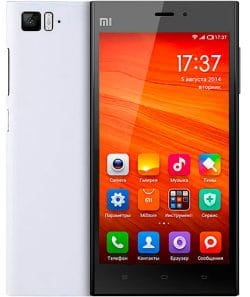
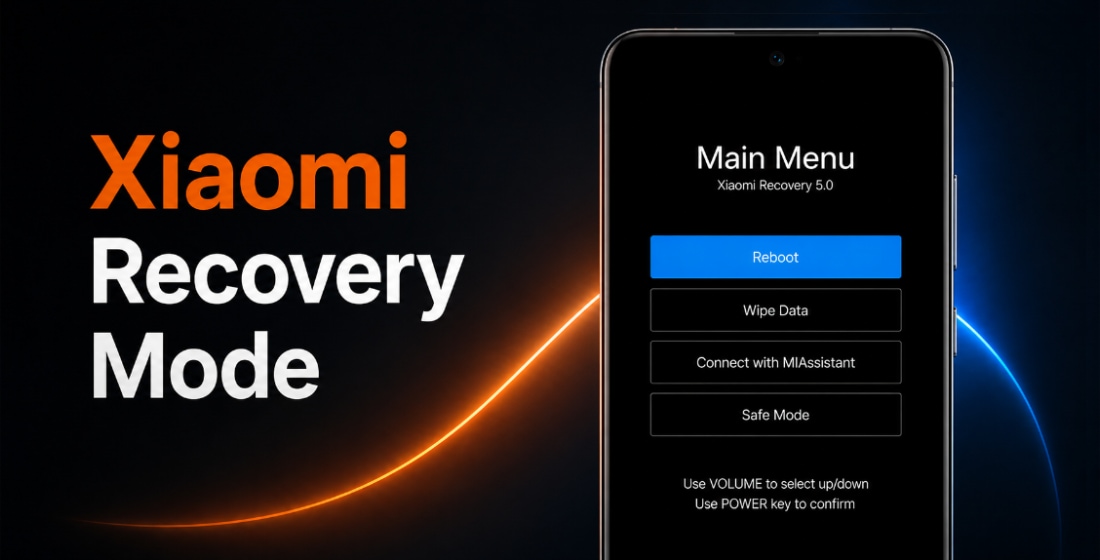
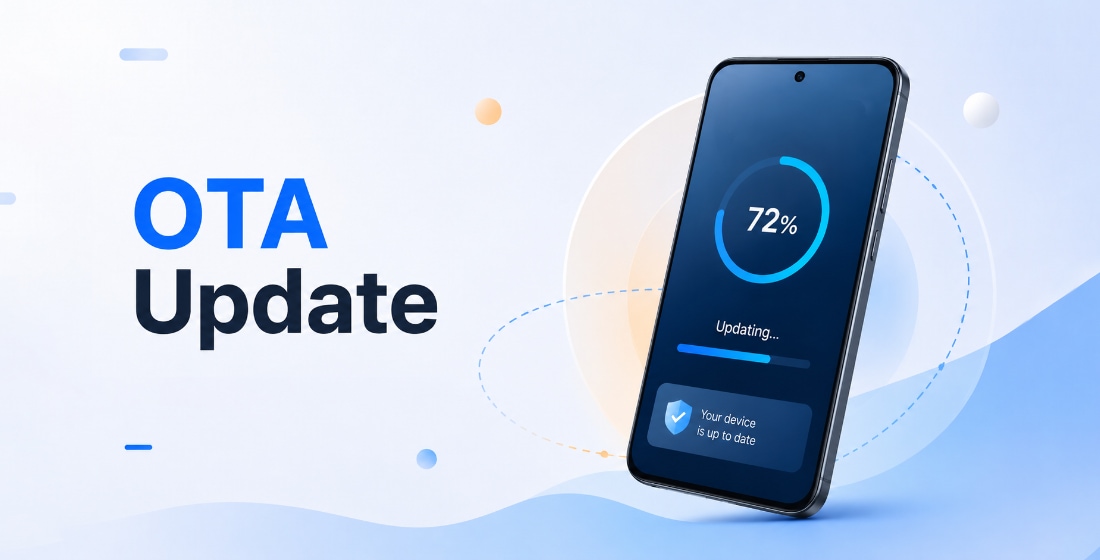
El firmware oficial para Mi 3 TD (nombre en clave pisces) incluye la última actualización estable de MIUI 9 con Android 4.4 y todas las versiones anteriores, en formato Fastboot ROM, Recovery ROM y OTA.
Modelos del teléfono: 2013061 (TD-SCDMA). Todos los firmwares stock se descargan directamente desde los servidores de Xiaomi. Publicamos solo enlaces directos a actualizaciones originales.
Últimas actualizaciones de firmware:
Lanzamiento
diciembre 2013
Soporte oficial
Finalizado (EOL)
Último SO
MIUI 9, Android 4.4
China MIUI 9.2.3.0.KXCCNEK
Última actualización china del firmware para Mi 3 TD:
Recovery ROM
- Versión
- 9.2.3.0.KXCCNEK
- SO
- MIUI 9
- Android
- Android 4.4
- Lanzamiento
- 07/09/2018
- Tamaño
- 456,08 MB
- Enlace oficial
- Descargar (.zip)
- Cambios
Expandir lista
MIUI9 Lightning fast
- Deep-level system optimizations
- Added improved image search
- Simpler Home screen editing
- Smart notifications filter
- Shortcuts for frequently used features on the left side of the Lock screen
- Revamped and simplified 50+ features
- Introducing MIUI Labs
- Image search is turned on in MIUI Labs
Turn the filter for notifications on and off in the Settings.
Lockscreen, Status Bar, Notification Bar
- Optimization - Adjusted time for tapping the Lock screen notifications(10-24)
- Fix - The search bar in the Notification shade wasn`t displayed correctly(06-27)
Home screen
- Optimization - Folders open faster(07-10)
- Optimization - Users can set their main Home screen in the editing mode(08-29)
- Optimization - Multiple themes supported on the clock widget(10-19)
- Optimization - Adding widgets to an empty spot with a single tap(10-31)
Themes
- Optimization - Redesigned home page(08-24)
- Optimization - Updated Peach blossom and Asphalt themes(09-14)
- Optimization - Hide free and incompatible themes in the list of the purchased items(10-10)
- Optimization - `Add to favorites` icon adjustments(10-24)
- Optimization - Launching speed(07-01)
Mi Account
- Optimization - Reduced the number of push notifications when the user is signed out(10-30)
Quick Ball
- New - Quick ball goes back to the edge after 3 seconds of inactivity(08-30)
Fastboot ROM (flash file)
- Versión
- 9.2.3.0.KXCCNEK
- SO
- MIUI 9
- Android
- Android 4.4
- Lanzamiento
- 29/12/2017
- Tamaño
- 880,23 MB
- Enlace oficial
- Descargar (.tgz)
- Cambios
Expandir lista
MIUI9 Lightning fast
- Deep-level system optimizations
- Added improved image search
- Simpler Home screen editing
- Smart notifications filter
- Shortcuts for frequently used features on the left side of the Lock screen
- Revamped and simplified 50+ features
- Introducing MIUI Labs
- Image search is turned on in MIUI Labs
Turn the filter for notifications on and off in the Settings.
Lockscreen, Status Bar, Notification Bar
- Optimization - Adjusted time for tapping the Lock screen notifications(10-24)
- Fix - The search bar in the Notification shade wasn`t displayed correctly(06-27)
Home screen
- Optimization - Folders open faster(07-10)
- Optimization - Users can set their main Home screen in the editing mode(08-29)
- Optimization - Multiple themes supported on the clock widget(10-19)
- Optimization - Adding widgets to an empty spot with a single tap(10-31)
Themes
- Optimization - Redesigned home page(08-24)
- Optimization - Updated Peach blossom and Asphalt themes(09-14)
- Optimization - Hide free and incompatible themes in the list of the purchased items(10-10)
- Optimization - `Add to favorites` icon adjustments(10-24)
- Optimization - Launching speed(07-01)
Mi Account
- Optimization - Reduced the number of push notifications when the user is signed out(10-30)
Quick Ball
- New - Quick ball goes back to the edge after 3 seconds of inactivity(08-30)
Mi 3 TD ha alcanzado el estado EOL (end-of-life, fin de vida útil) en el catálogo oficial de Xiaomi: el soporte ha finalizado, ya no se publican nuevos firmwares ni parches de seguridad, y el dispositivo no recibirá MIUI 10.
La última actualización de MIUI 9 no siempre es la mejor. Antes de actualizar o flashear tu Mi 3 TD (pisces), lee las opiniones en XDA Developers o en los foros de la comunidad Xiaomi. Si al instalar una ROM completa o una actualización OTA aparecen problemas, déjanos un comentario indicando la región del firmware y el número de versión.