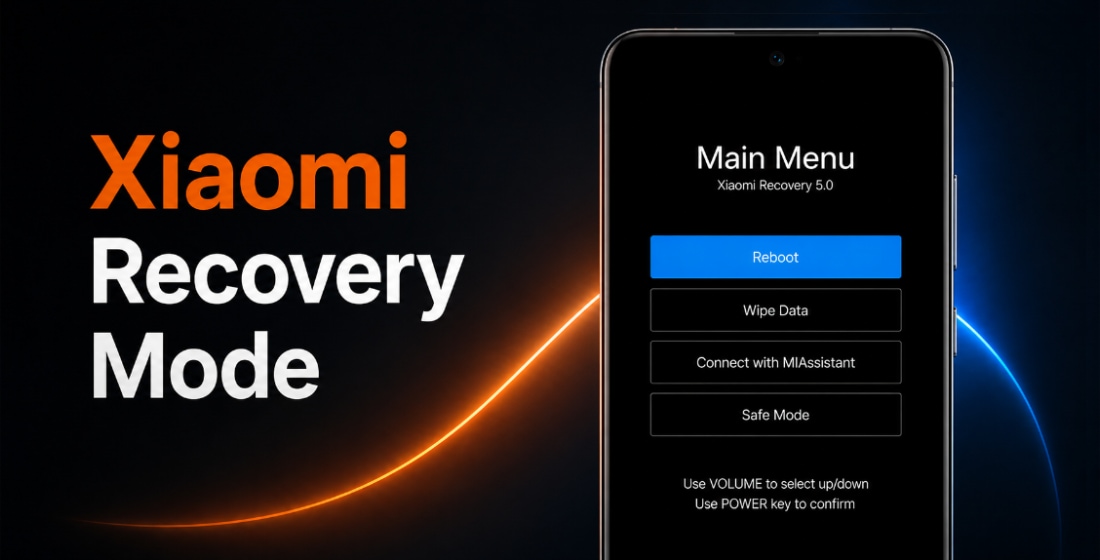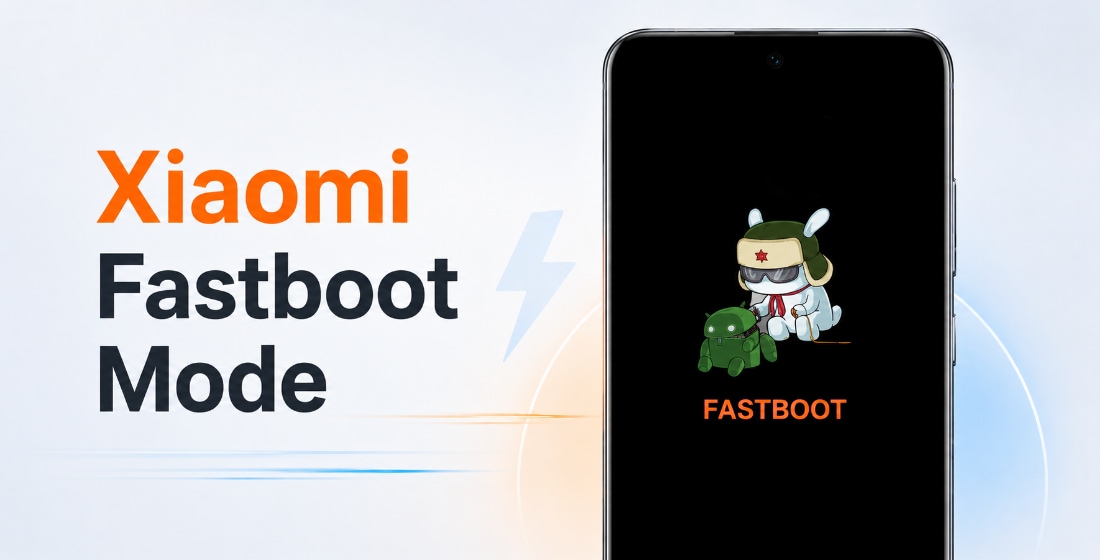





Official REDMI Turbo 4 firmware (codename rodin) includes stable HyperOS versions. They can be downloaded as Fastboot ROM, Recovery ROM, and OTA updates.
Phone models: 24129RT7CC (China). All files are original stock Xiaomi ROMs, freely available from miui.com. We simply provide direct download links to official flash files and system updates.
| Model name | REDMI Turbo 4 |
|---|---|
| Release date | January 2025 |
| Support | Active |
| Current OS | HyperOS 3, Android 16 |
| Roadmap | Android 17 |
- Jan 2025releaseHyperOS 2 Android 15
- Oct 2025updated toHyperOS 3 Android 16
- China 39 › HyperOS 3.0.302.0.WOJCNXM
China HyperOS 3.0.302.0.WOJCNXM
The latest Chinese HyperOS version for REDMI Turbo 4 by Xiaomi:
Recovery ROM
- Version
- 3.0.302.0.WOJCNXM
- OS
- HyperOS 3
- Android
- Android 16
- Release date
- 2026-04-14
- File size
- 7.59 GB
- Official Link
- Download (.zip)
- Changelog
- Expand list
Comprehensive system app optimization
- Xiaomi HyperIsland:
- New: Support for Xiaomi HyperIsland in File Manager, showing real time progress for online files
- New: Support for Xiaomi HyperIsland with transit and key cards, including swiping from the Lock screen
- Xiaomi Hyper XiaoAi:
- New: Support for continuous conversations with Xiaomi Hyper XiaoAi while holding the Power button
- Camera:
- New: A one-tap download for the `Mi-LOG to Rec.709` color conversion LUT file from the Pro video intro page in Camera settings
- Optimization: Added a preset management page and support for bulk import/export of preset parameters for Pro mode
- Recorder:
- New: Support for generating a summary in the Recorder app, then asking Xiaomi Hyper XiaoAi questions about the recording
- Fix: An occasional recording error during long recordings
- Fix: Duplicate recording entries in some cases
- Calendar:
- Optimization: Holiday display in Calendar, with more traditional festivals and historical commemorative days
- Fix: An issue where dates displayed incorrectly in some cases
- Family Guard:
- New: The option to view and edit Family Guard settings before you turn on Child mode
- Optimization: Saving feature settings when turning off On-device guardianship
- Optimization: Screen time stats in Child mode
- Other improvements:
- New: Clarity mode brings together text and icon size, ringtone volume, scam call blocking, and other phone settings
- New: The option to tap the status bar to return to the top of the page in some apps and scenarios
- Optimization: Mi Mover now supports transferring more data, including some settings and user data from system apps
- Optimization: Gallery search animations for smoother transitions
- Fix: Cloud drive file thumbnails in File Manager displayed incorrectly in some cases
- Fix: An issue where macOS compressed files didn`t display properly in File Manager in some cases
- Fix: An issue where WeChat couldn`t access screenshots in some cases
- Fix: Stuttering when loading multilingual screenshot thumbnails in some cases
- Fix: An input field display issue when renaming a custom card in Smart cards in Dark mode
- Fix: Overlapping buttons in Smart cards in some cases
- Optimization: The timeliness and accuracy of weather location updates when your location changes
- New: One-tap upload in Gallery to submit your work to the Xiaomi Imagery Global Awards Curated with Leica
- *To use this feature, make sure Security is version 12.3.1-260225.0.1 or later, and Mi Store is version 5.49.0 or later
Interconnectivity
- New: Tap the NFC area on your Xiaomi phone or iPhone to quickly share recordings and notes
- New: Xiaomi phones now support AirPods, including fast pair pop-ups, battery status, Spatial Audio, noise cancellation switching, and Find My
- New: After SMS verification codes received on iPhone are synced to your Xiaomi phone, they can be detected and copied with one tap
- New: After Xiaomi phone calls are synced to your iPhone, you can answer them on your iPhone
- *On your iPhone, turn on `Sync notifications` for calls in Xiaomi Interconnectivity, and make sure both your Xiaomi phone and iPhone are connected to the internet
- Optimization: When you open Xiaomi phone apps in while using Screen Mirroring on iPhone, you can use the input method set on your Xiaomi phone at the same time
- New: On Mac, Xiaomi Interconnectivity now lets you view Xiaomi Cloud Notes and Gallery
Basic experience
- Optimization: Resource scheduling by delaying background app resource allocation to reduce lag in foreground apps
Privacy and security
- New: With the Passwords app, you can auto-save, autofill, and sync end-to-end encrypted passwords across devices
- New: More system apps now support Private access, with ongoing compatibility improvements for additional apps
- Optimization: Updated `Fingerprints, face data, and screen lock` page layout for easier, faster setup
Fastboot ROM (flash file)
- Version
- 3.0.302.0.WOJCNXM
- OS
- HyperOS 3
- Android
- Android 16
- Release date
- 2026-04-07
- Flash file size
- 9.98 GB
- Official Link
- Download (.tgz)
- Changelog
- Expand list
Comprehensive system app optimization
- Xiaomi HyperIsland:
- New: Support for Xiaomi HyperIsland in File Manager, showing real time progress for online files
- New: Support for Xiaomi HyperIsland with transit and key cards, including swiping from the Lock screen
- Xiaomi Hyper XiaoAi:
- New: Support for continuous conversations with Xiaomi Hyper XiaoAi while holding the Power button
- Camera:
- New: A one-tap download for the `Mi-LOG to Rec.709` color conversion LUT file from the Pro video intro page in Camera settings
- Optimization: Added a preset management page and support for bulk import/export of preset parameters for Pro mode
- Recorder:
- New: Support for generating a summary in the Recorder app, then asking Xiaomi Hyper XiaoAi questions about the recording
- Fix: An occasional recording error during long recordings
- Fix: Duplicate recording entries in some cases
- Calendar:
- Optimization: Holiday display in Calendar, with more traditional festivals and historical commemorative days
- Fix: An issue where dates displayed incorrectly in some cases
- Family Guard:
- New: The option to view and edit Family Guard settings before you turn on Child mode
- Optimization: Saving feature settings when turning off On-device guardianship
- Optimization: Screen time stats in Child mode
- Other improvements:
- New: Clarity mode brings together text and icon size, ringtone volume, scam call blocking, and other phone settings
- New: The option to tap the status bar to return to the top of the page in some apps and scenarios
- Optimization: Mi Mover now supports transferring more data, including some settings and user data from system apps
- Optimization: Gallery search animations for smoother transitions
- Fix: Cloud drive file thumbnails in File Manager displayed incorrectly in some cases
- Fix: An issue where macOS compressed files didn`t display properly in File Manager in some cases
- Fix: An issue where WeChat couldn`t access screenshots in some cases
- Fix: Stuttering when loading multilingual screenshot thumbnails in some cases
- Fix: An input field display issue when renaming a custom card in Smart cards in Dark mode
- Fix: Overlapping buttons in Smart cards in some cases
- Optimization: The timeliness and accuracy of weather location updates when your location changes
- New: One-tap upload in Gallery to submit your work to the Xiaomi Imagery Global Awards Curated with Leica
- *To use this feature, make sure Security is version 12.3.1-260225.0.1 or later, and Mi Store is version 5.49.0 or later
Interconnectivity
- New: Tap the NFC area on your Xiaomi phone or iPhone to quickly share recordings and notes
- New: Xiaomi phones now support AirPods, including fast pair pop-ups, battery status, Spatial Audio, noise cancellation switching, and Find My
- New: After SMS verification codes received on iPhone are synced to your Xiaomi phone, they can be detected and copied with one tap
- New: After Xiaomi phone calls are synced to your iPhone, you can answer them on your iPhone
- *On your iPhone, turn on `Sync notifications` for calls in Xiaomi Interconnectivity, and make sure both your Xiaomi phone and iPhone are connected to the internet
- Optimization: When you open Xiaomi phone apps in while using Screen Mirroring on iPhone, you can use the input method set on your Xiaomi phone at the same time
- New: On Mac, Xiaomi Interconnectivity now lets you view Xiaomi Cloud Notes and Gallery
Basic experience
- Optimization: Resource scheduling by delaying background app resource allocation to reduce lag in foreground apps
Privacy and security
- New: With the Passwords app, you can auto-save, autofill, and sync end-to-end encrypted passwords across devices
- New: More system apps now support Private access, with ongoing compatibility improvements for additional apps
- Optimization: Updated `Fingerprints, face data, and screen lock` page layout for easier, faster setup
OTA Update
- Version
- 3.0.302.0.WOJCNXM
- File size
- 1.84 GB
- Apply for
- 3.0.4.0.WOJCNXM
- Official Link
- Download (.zip)
Download previous Chinese firmware updates for REDMI Turbo 4:
2026-01-28Fastboot (9.68 GB)
2026-01-21OTA (112.74 MB)
for 3.0.3.0.WOJCNXM
2025-12-19Fastboot (9.70 GB)
2025-12-14
2025-10-28Fastboot (9.55 GB)
2025-10-17
2025-10-17Fastboot (9.21 GB)
2025-10-09
2025-09-10Fastboot (9.16 GB)
2025-08-28
2025-08-04Fastboot (9.22 GB)
2025-07-24
2025-07-09Fastboot (9.22 GB)
2025-06-23
2025-06-12Fastboot (9.23 GB)
2025-05-29
2025-05-18Fastboot (9.21 GB)
2025-04-27OTA (540.51 MB)
for 2.0.109.0.VOJCNXM
2025-04-14Fastboot (9.16 GB)
2025-03-31OTA (690.34 MB)
for 2.0.108.0.VOJCNXM
2025-03-28Fastboot (9.15 GB)
2025-03-23OTA (376.14 MB)
for 2.0.103.0.VOJCNXM
2025-02-14Fastboot (9.19 GB)
2025-02-10OTA (43.46 MB)
for 2.0.101.0.VOJCNXM
2025-02-07OTA (589.62 MB)
for 2.0.5.0.VOJCNXM
2025-01-02Fastboot (9.25 GB)
2024-12-26OTA (707.00 MB)
for 2.0.1.0.VOJCNXM
2025-01-02
2025-01-02
The new HyperOS update is not necessarily the best. Before updating REDMI Turbo 4 (rodin), read reviews on 4PDA or XDA Developers. If installing a Flash File, full ROM, or the new OTA update caused issues, please let us know in the comments and mention the version number.
can you post global ROM for this devise redmi turbo 4
This phone is designed for the Chinese market and does not have official global firmware.